how to · 2026
How to Install IPTV on Firestick — Step by Step 2026
Complete 2026 walk-through to install IPTV on any Firestick — Lite, 4K, 4K Max or Cube — using IPTV Smarters Pro or TiviMate. ~5 minutes from unboxing to live TV.
Strong 8K IPTV Editorial
Written + reviewed by our IPTV operations team
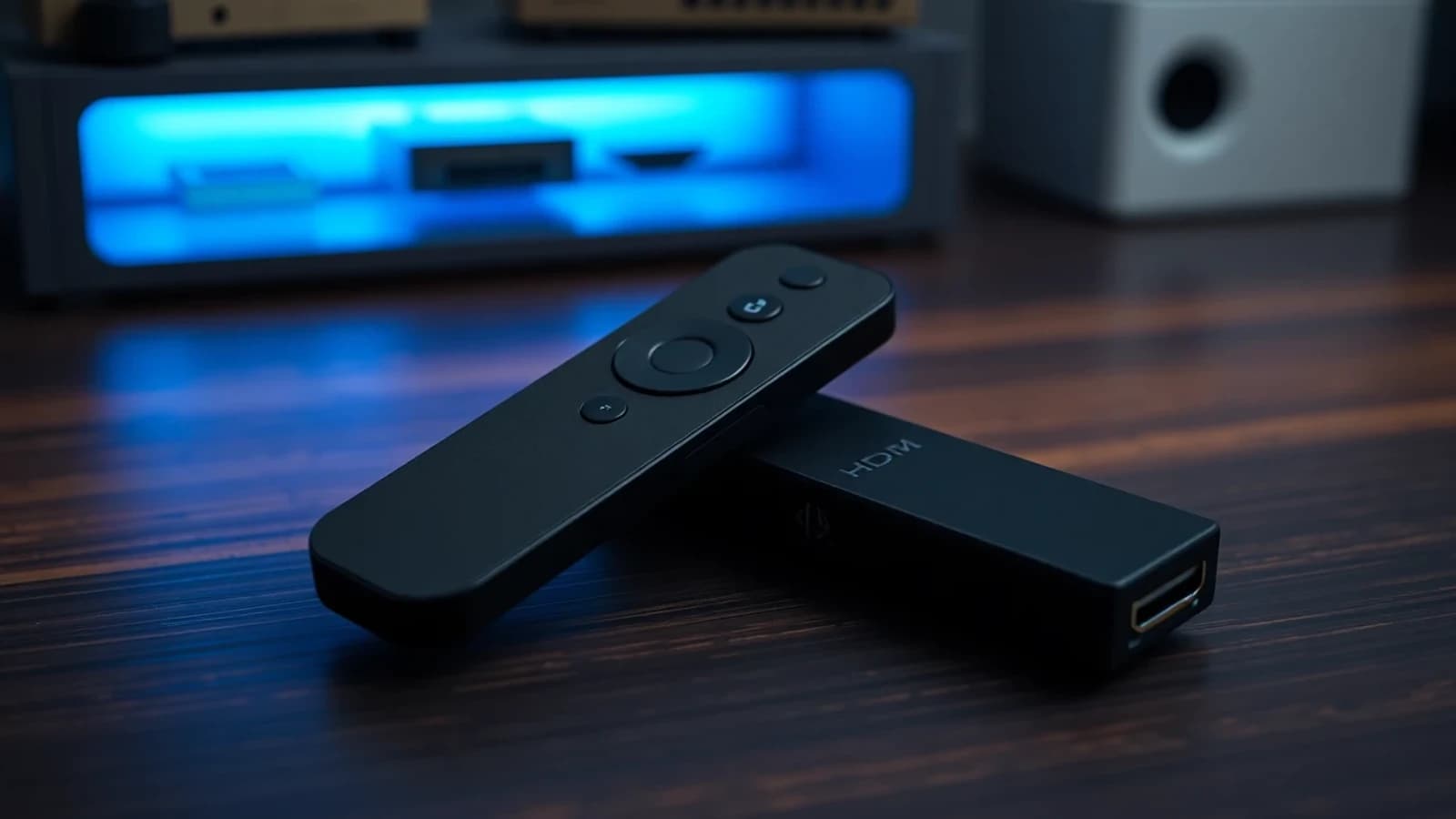
Firestick is the cheapest, most-installed IPTV device in the world. A new Firestick 4K Max runs about $60 / £60 / €60and turns any TV with an HDMI port into a smart streaming box. Once you've got an IPTV subscription, install takes about 5 minutes. Here's the exact, current walk-through for 2026.
What you need before you start
- An Amazon Firestick (any model — Lite, 4K, 4K Max, or Fire TV Cube)
- An IPTV subscription with M3U URL or Xtream Codes credentials. (Don't have one? Grab a 1-month plan.)
- ~5 minutes
Step 1 — Enable apps from unknown sources
We need to install IPTV Smarters Pro or TiviMate, neither of which is in the Amazon Appstore by default. To allow that, enable developer mode:
- From the Firestick home screen, go to Settings → My Fire TV → Developer options.
- Turn on “Apps from Unknown Sources”. Confirm.
- If you don't see “Developer options”, go back to Settings → My Fire TV → About, highlight your device name, and click it 7 times. The Developer options menu unlocks.
Step 2 — Install the Downloader app
Downloader is a free app from AFTVnews that lets you install other apps via direct URL.
- Search for “Downloader” in the Firestick search bar (the magnifying glass at the top-left).
- Install it. It's the orange-and-white icon by AFTVnews.
- Open Downloader. Allow it the storage permission.
Step 3 — Install IPTV Smarters Pro (recommended)
IPTV Smarters Pro is the most-used IPTV player on Firestick — fast, stable, supports both M3U and Xtream Codes. TiviMate is technically nicer (cleaner EPG) but requires a paid subscription. Most people start with Smarters.
- In Downloader, type the official IPTV Smarters Pro APK URL into the address bar and hit Go. (Always grab the latest URL from the official IPTV Smarters Pro website — links change.)
- Wait for the download to finish (~10 MB).
- Click Install. When it's done, click Open.
- Optional: clean up by deleting the APK installer. Downloader will prompt.
Try it tonight
Need credentials? IptvStrong8k delivers them in 60 seconds
Pay in crypto for instant activation, or via Telegram for card / PayPal / bank. 30-day money-back on first orders.
Step 4 — Add your IPTV subscription
First time you open IPTV Smarters Pro, accept the disclaimer and pick “Login with Xtream Codes API”(recommended) or “Login with M3U URL”.
For Xtream Codes (the cleaner option), you need three things from the email your IPTV provider sent you:
- Username
- Password
- Server URL / Portal URL — looks like
http://portal.example.com:8080
Type each into the corresponding field and hit Add User. The app downloads your channel list and EPG — usually under 30 seconds for a 32,000-channel plan.
Step 5 — Pick your channel + go
On the home tab, you'll see Live TV, Movies,Series. Tap Live TV to see your full channel list, organized by category (Sports, Movies, News, etc). Use the search button to jump straight to a channel by name. EPG shows what's on now and the next 5–7 days.
First playback might take 3–5 seconds to start while the player negotiates the stream format. After that, channel changes are usually under 2 seconds.
Bonus: install TiviMate (the premium option)
TiviMate has the cleanest EPG on Firestick, the best DVR features, and faster channel switching. Downside: it's £19.99/year for the Premium tier (Companion app costs extra). If you watch a lot of live sport or want to record, it's worth it.
Install via Downloader the same way — TiviMate APK is on their official site. Setup is identical to Smarters: pick “Add Playlist → Xtream Codes”, enter your credentials.
Common Firestick problems and fixes
Buffering on Wi-Fi
Firesticks have weak antennas. If you're more than ~15 feet from your router and seeing buffering, get an Ethernet adapter (~$15 on Amazon) or move the router closer. Read our full 10 proven fixes for IPTV buffering for the deep dive.
App keeps crashing
Usually a memory issue on older Firestick generations. Go to Settings → Applications → Manage Installed Applications → IPTV Smarters Pro → Clear Cache. If it still crashes, the Lite Firestick may not have enough RAM — upgrading to the 4K or 4K Max solves it permanently.
Channels missing or wrong EPG
In IPTV Smarters Pro, go to Settings → Reload Playlist & EPG. Forces a fresh sync. If channels are still wrong after that, your provider needs to update their server-side mapping — message support.
Which IPTV provider works best on Firestick?
Firestick is the lowest-end-of-acceptable hardware, so the IPTV provider does most of the heavy lifting. The differentiators that matter on Firestick specifically:
- Adaptive bitrate — drops quality automatically when Wi-Fi gets patchy, instead of buffering and stalling.
- Geo-distributed servers— keeps stream latency under 30ms so the Firestick's small buffer doesn't starve.
- Lightweight EPG endpoint — the Firestick has limited memory and a fat EPG XML can crash the player on older models.
IptvStrong8k ticks all three. Test it free for 24 hours — pick a plan from /pricing or grab the trial from the homepage.
Frequently asked questions
Looking for more? See all posts · RSS feed · published in 2026